
2.7



Information
Version
1.21.131.1
Last Update
Dec 10, 2025
Screenshots
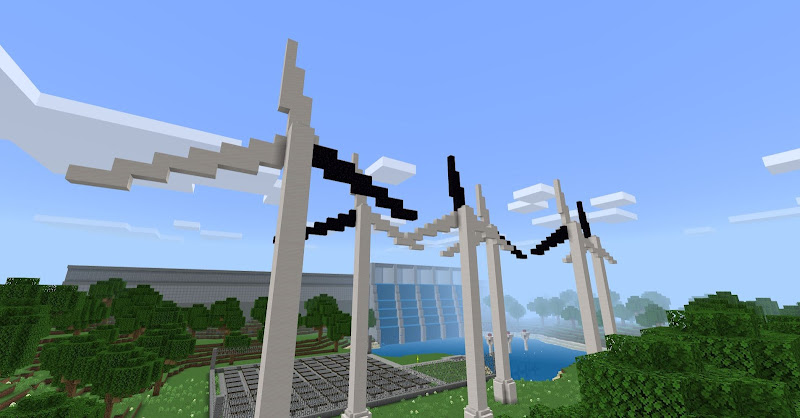
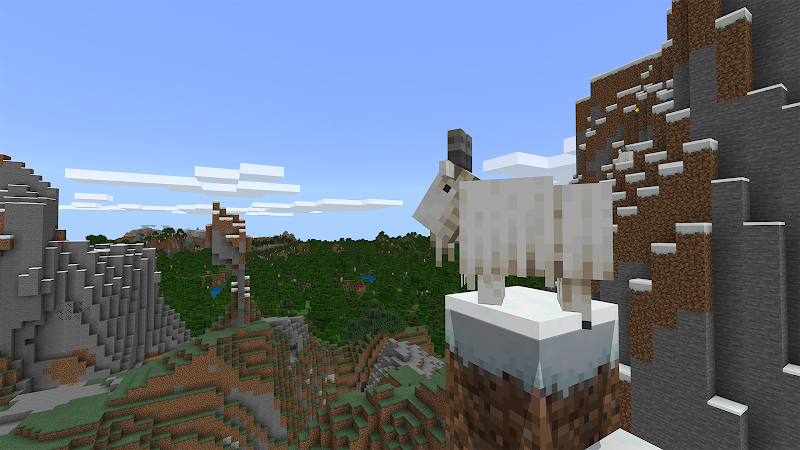
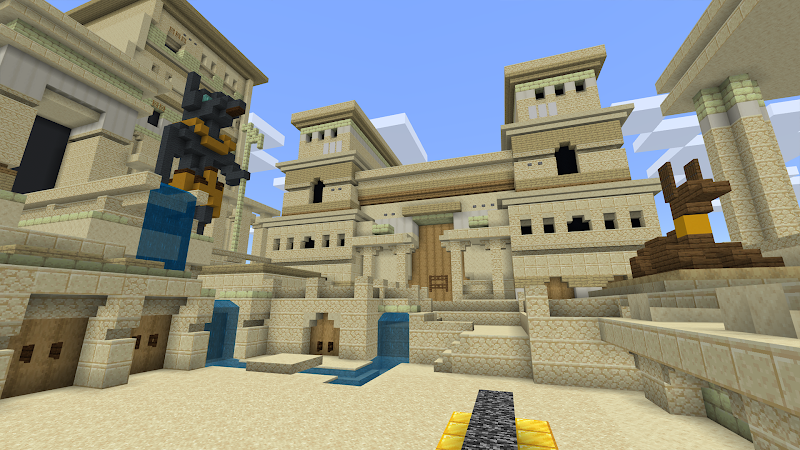
About
Introduction to Minecraft Education Edition Preview
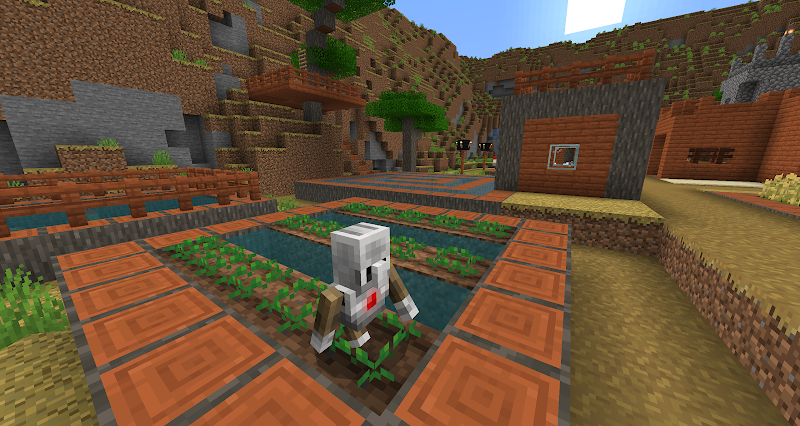
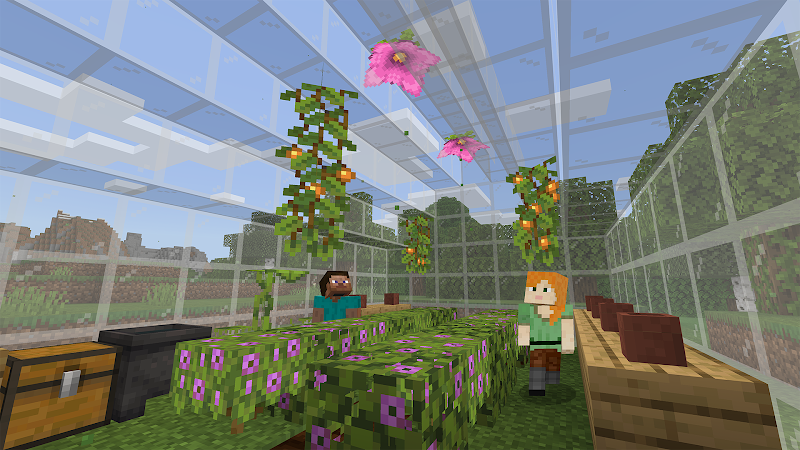
Imagine a classroom where creativity meets curiosity, and learning feels like an adventure rather than a task. That’s exactly what the Minecraft Education Preview offers. Built on the beloved sandbox experience of Minecraft, this version transforms exploration, building, and problem-solving into powerful educational tools.
Whether you’re a student, teacher, or simply curious about learning through games, this preview opens the door to a world where imagination fuels knowledge.
Initial Impressions
From the moment you enter the Minecraft Education Preview, it feels both familiar and refreshingly purposeful. The iconic blocky world remains intact, but there’s a clear emphasis on learning and collaboration.
Menus are intuitive, and the interface is designed to guide users gently into structured experiences without feeling restrictive. Instead of overwhelming players with complexity, it introduces features step by step, making it accessible even for beginners.
One standout first impression is how seamlessly education blends with fun. You don’t feel like you’re using a “school tool”-you feel like you’re playing a game that naturally teaches you along the way.
Core Gameplay of Minecraft Education Preview
At its core, the gameplay stays true to what makes Minecraft so engaging:
- Explore vast, open worlds
- Gather resources
- Build structures and environments
- Experiment with creativity
However, the Education Preview adds a layer of purpose. Players are often guided by lesson-based objectives, encouraging them to think critically and solve problems.
For example, instead of just building a house, you might design a sustainable city or recreate historical landmarks. These tasks encourage creativity while reinforcing real-world knowledge.
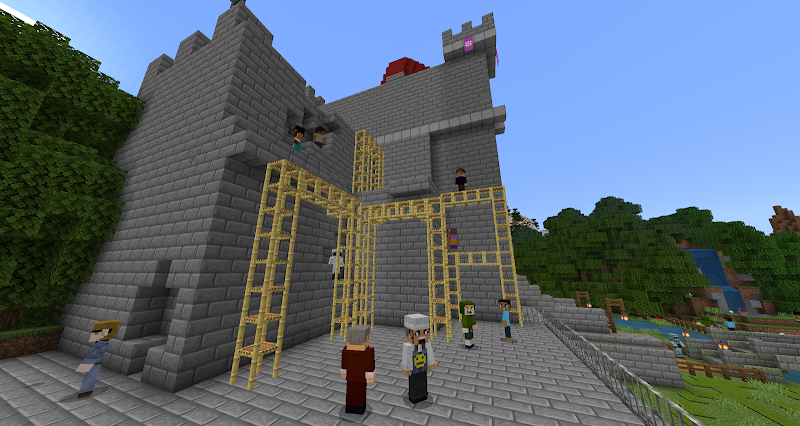
Multiplayer collaboration is also a key part of the experience. Players can work together, share ideas, and complete challenges as a team-making learning more interactive and social.
Key Features
Classroom-Friendly Tools
Teachers can manage worlds, guide students, and track progress. This makes it easy to integrate the game into structured lessons.
Lesson Library
A wide range of pre-built lessons covers subjects like math, science, history, and coding. Each lesson is designed to be engaging and easy to follow.
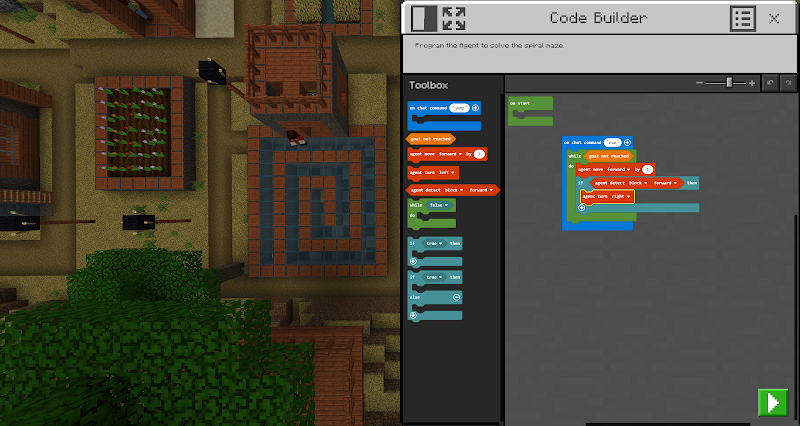
Coding Integration
Players can experiment with basic coding concepts using simple tools. This introduces programming in a fun and approachable way.
Immersive Learning Worlds
Specially designed maps let players explore topics like ancient civilizations, ecosystems, and space exploration.
Collaboration Mode
Students can join the same world and work together in real time, promoting teamwork and communication.
Player Feedback
Early feedback on the Minecraft Education Preview has been largely positive.
- Students enjoy the interactive approach, saying it makes learning feel like play.
- Teachers appreciate the structured tools and flexibility in lesson design.
- Parents often highlight how it encourages creativity and problem-solving skills.
Some users mention a small learning curve when first navigating educational features, but most agree that once familiar, the experience becomes smooth and rewarding.
FAQ
- What is Minecraft Education Preview?
It’s a test version of Minecraft Education Edition that allows users to explore new features before full release. - Who is it for?
Primarily students and educators, but anyone interested in learning through interactive gameplay can try it. - Do I need prior Minecraft experience?
Not at all. The preview is beginner-friendly and guides you through the basics. - What subjects can I learn?
Topics include math, science, history, coding, and more, depending on the lesson you choose. - Can I play with others?
Yes, multiplayer features allow collaboration in shared worlds.
Conclusion
The Minecraft Education Preview is more than just a game-it’s a creative learning platform that redefines how knowledge is experienced. By combining the freedom of Minecraft with structured educational content, it creates an environment where curiosity thrives.
If you’re looking for a way to make learning engaging, interactive, and memorable, this preview is absolutely worth exploring. It proves that education doesn’t have to be boring—it can be an adventure built one block at a time.
Ratings & Reviews
2.7

2.7 Ratings
5
4
3
2
1
Comments

0 COMMENTS
×
![icon]()
APKIJO.COM
APKIJO.COM
APKIJO.COM
APKIJO.COM
APKIJO.COM
APKIJO.COM
APKIJO.COM
APKIJO.COM
APKIJO.COM
APKIJO.COM


Kawaii World – Craft and Build
Free
VOPI Team

Maps for Minecraft PE
Free
igmi
Master Mods For MCPE
Free
102Apps
Minecraft: Dream it, Build it!
Free
Mojang
Minecraft Education Preview
Free
Mojang
Islandcraft for Skyblock
Free
Blockman GO studio
HD Skins for Minecraft 128×128
Free
Crone
Mod Maker for Minecraft PE
Free
JoyCraft Mobile
Modern House Map for Minecraft
Free
Digital App Group GmbH
HD Skins Editor for Minecraft
Free
Crone
Girlfriend Mod for Minecraft
Free
Race Car Entertainment