
4.2



Information
Version
6.5.22
Last Update
Dec 15, 2025
Screenshots
About
Introduction to Skinseed for Minecraft
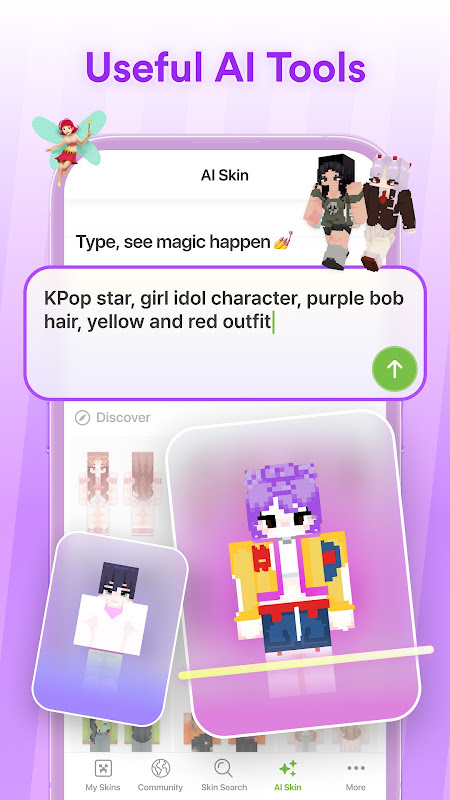
If you’ve ever wanted to stand out in Minecraft with a completely unique look, Skinseed for Minecraft is a tool worth exploring. This popular mobile app lets players create, edit, and discover custom skins with ease. Whether you’re aiming for something stylish, funny, or totally original, Skinseed opens the door to endless creativity-no advanced design skills required.
First Impressions
From the moment you open Skinseed, the app feels welcoming and easy to navigate. The interface is clean, with clearly labeled tools and a layout that doesn’t overwhelm beginners.
You’ll quickly notice:
- A large library of community-made skins
- Simple editing tools that are easy to understand
- Smooth navigation between creating, browsing, and saving
Even if it’s your first time customizing a skin, you can jump right in without confusion.
Gameplay Overview of Skinseed for Minecraft
While Skinseed isn’t a game in the traditional sense, it enhances your Minecraft experience by giving you full control over your character’s appearance.
Here’s how it fits into your gameplay:
- Design your own skin or edit an existing one
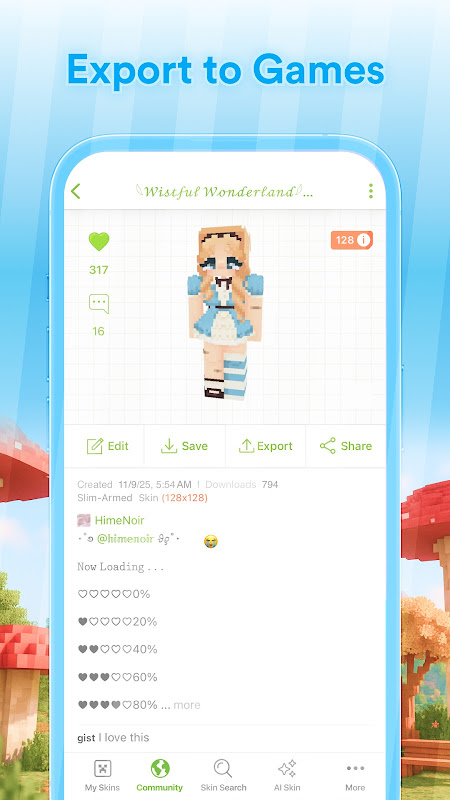
- Import your skin directly into Minecraft
- Show off your unique style in multiplayer worlds
It adds a creative layer to the game, making your in-game identity more personal and memorable.
Key Mechanics
Skinseed’s core functionality revolves around its intuitive skin editor.
Editing Tools
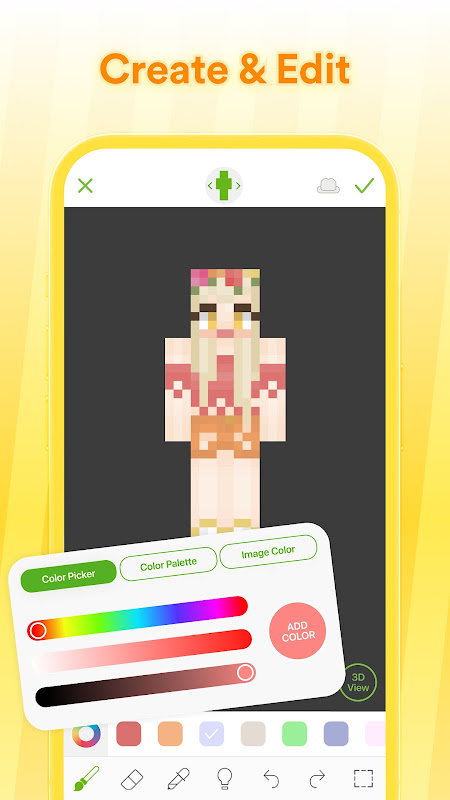
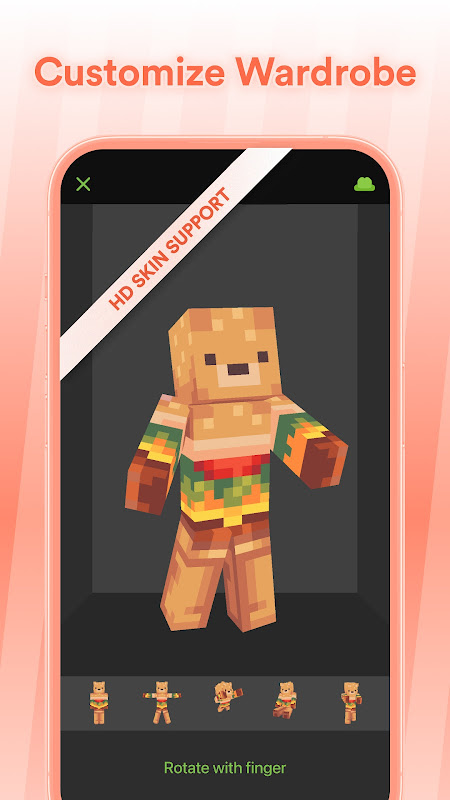
You can paint directly onto a 3D model of your character, making it easier to visualize your design in real time.
Layer System
The app supports layers, allowing you to add details like clothing, accessories, or shading without affecting the base design.
Color Picker
A flexible color palette helps you choose and apply colors precisely, whether you want bold tones or subtle shades.
Import & Export
You can import skins from your device or export your creations straight into Minecraft in just a few taps.
Features Highlight
Skinseed stands out because of its powerful yet beginner-friendly features.
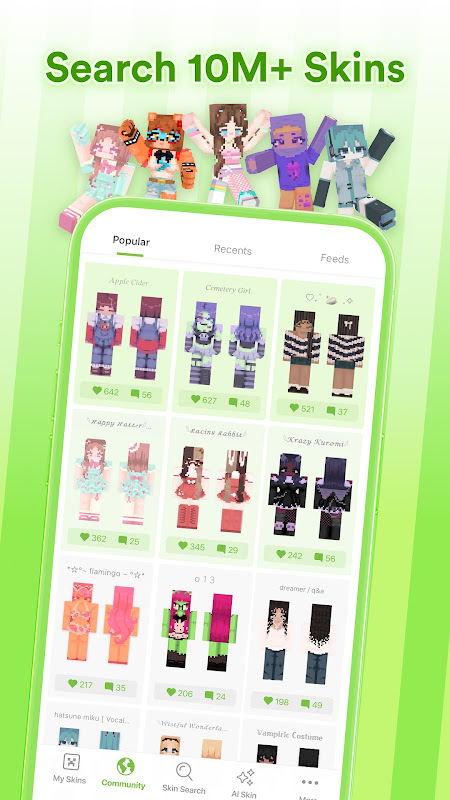
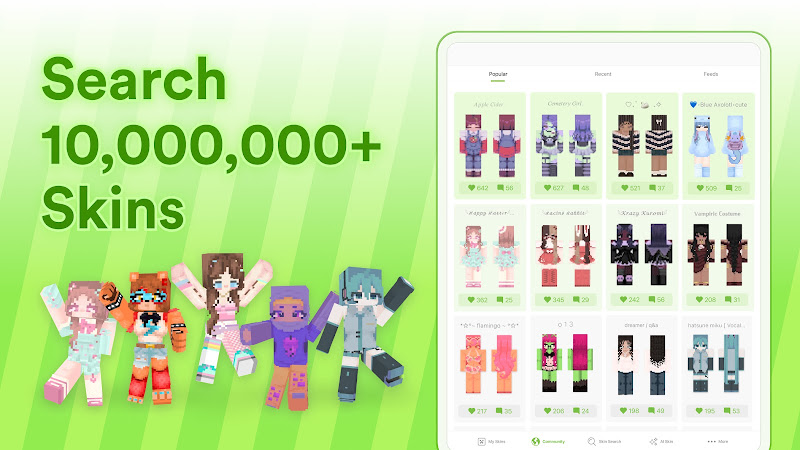
- Huge Skin Library: Browse thousands of skins created by other players
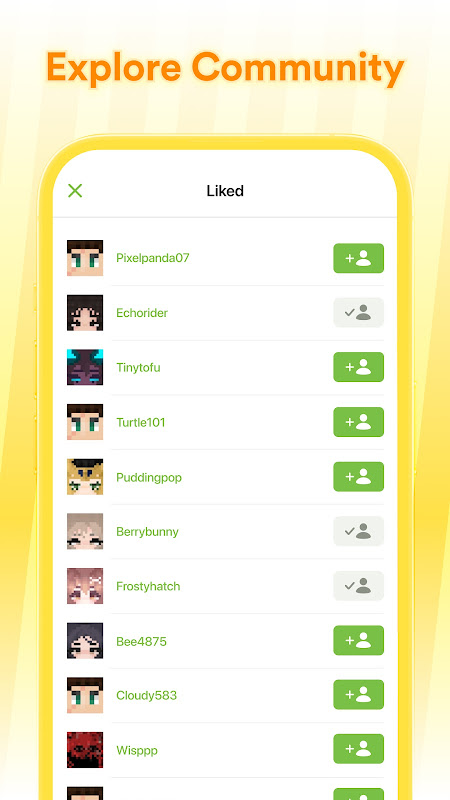
- Community Sharing: Upload your designs and explore trending creations
- 3D Preview Mode: See your skin from every angle before using it
- Easy Editing Tools: Paint, erase, and customize with simple controls
- Search Function: Quickly find skins by style, theme, or popularity
These features make the app both a creative tool and a social platform for Minecraft fans.
Pros and Cons
Pros
- Easy to use for beginners
- Massive collection of ready-made skins
- Real-time 3D editing makes designing easier
- Active community with fresh content
- Quick integration with Minecraft
Cons
- Some features may feel limited for advanced designers
- Occasional ads can interrupt the experience
- Requires internet connection for full access to the library
Player Feedback
Many players appreciate how Skinseed makes customization accessible. Beginners love the simplicity, while more experienced users enjoy experimenting with detailed designs.
Common positive feedback includes:
- “Super easy to create cool skins in minutes”
- “Great for discovering creative ideas from others”
- “Makes my Minecraft character feel unique”
Some users mention that they’d like more advanced tools, but overall, the app receives strong praise for its balance between simplicity and creativity.
FAQ
- Is Skinseed free to use?
Yes, the app is free, though it may include optional ads. - Can I use my skins in Minecraft easily?
Yes, exporting and applying skins is quick and straightforward. - Do I need design experience?
Not at all. The app is designed for all skill levels. - Can I edit skins made by others?
Yes, you can customize existing skins to fit your style. - Does it work offline?
Some features work offline, but browsing and sharing require an internet connection.
Final Thoughts
Skinseed for Minecraft is a fantastic companion for anyone who wants to personalize their Minecraft experience. It combines creativity, simplicity, and community into one easy-to-use app.
Other you may like
Wolf Armor Mod for Minecraft
Rtitor Mods Studio

Addons for Minecraft Bedrock
GlitchPixel Addons
Addons for Minecraft Mods
Addons and Mods for Minecraft
Block Craft Sandbox:Build Game
SMD LINKS
Netmirror – Movies & Series
Net LLP
Mods, maps skins for Minecraft
ALOE
Mods Addon Skins for Minecraft
Lyxoto Studios
Skins-MASTER for Minecraft
Crone
Ratings & Reviews
4.2

4.2 Ratings
5
4
3
2
1
Comments

0 COMMENTS
×
![icon]()
APKIJO.COM
APKIJO.COM
APKIJO.COM
APKIJO.COM
APKIJO.COM
APKIJO.COM
APKIJO.COM
APKIJO.COM
APKIJO.COM
APKIJO.COM


Kawaii World – Craft and Build
Free
VOPI Team
Maps for Minecraft PE
Free
igmi
Master Mods For MCPE
Free
102Apps
Minecraft: Dream it, Build it!
Free
Mojang
Minecraft Education Preview
Free
Mojang
Islandcraft for Skyblock
Free
Blockman GO studio
HD Skins for Minecraft 128×128
Free
Crone
Mod Maker for Minecraft PE
Free
JoyCraft Mobile
Modern House Map for Minecraft
Free
Digital App Group GmbH
HD Skins Editor for Minecraft
Free
Crone
Girlfriend Mod for Minecraft
Free
Race Car Entertainment